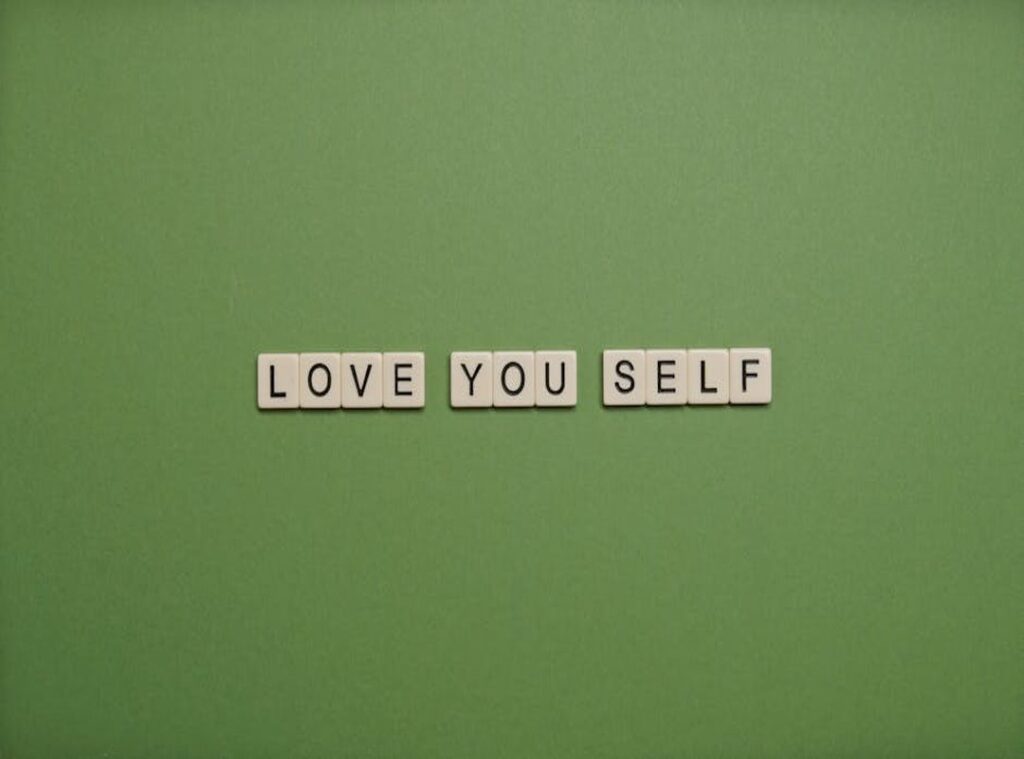
Unlocking my phone or computer, I do it hundreds of times a day. It’s almost automatic, right? What if that repetitive action could be a source of motivation instead of a mindless habit?
This guide will walk you through finding or creating the perfect wallpaper pengingat diri aesthetic that aligns with your goals and personal style. You’ll learn how to choose a visual theme, craft a message that sticks, and use simple tools to design a wallpaper that is both beautiful and impactful.
Trust me, this small change can have a significant positive effect on your daily mindset and focus.
Finding Your Visual Vibe: From Minimalism to Dark Academia
I once had a reminder on my phone that I kept ignoring. It was just a plain, boring note. Then I changed it to something more visually appealing.
Suddenly, I noticed it every time. That’s when I realized, for a reminder to be effective, its aesthetic must be something the user enjoys looking at.
Minimalist design is all about simplicity. Think clean backgrounds, neutral palettes like beige, grey, and soft white. Sans-serif fonts and ample negative space make it feel uncluttered and calm.
Cottagecore or nature-inspired aesthetics are all about bringing the outdoors in. Earthy tones, floral or botanical elements, and script or handwritten fonts create a cozy, natural vibe. Soft lighting adds to the warmth.
Dark Academia is moody and mysterious. Moody colors, classic art references, and serif fonts give it a timeless, intellectual feel. Imagery of books, statues, or old architecture completes the look.
To find what resonates with you, try using a platform like Pinterest. Create a small mood board with different styles. This way, you can see which ones you’re naturally drawn to before committing to a design.
Once you’ve identified your favorite style, you can apply it to your reminders. For example, a wallpaper pengingat diri aesthetic can transform a simple note into a visual delight.
Remember, the key is to choose an aesthetic that makes you happy. When you enjoy looking at your reminders, they become more than just notes—they become part of your daily inspiration.
How to Write a Reminder That Actually Works
Let’s get real. Generic quotes are nice, but they rarely stick. Personalized reminders, on the other hand, hit home.
They connect with your goals and keep you motivated.
- Action-Oriented Reminders for Productivity:
- “Progress, not perfection.”
- “One thing at a time.”
-
“Just start.”
-
Mindfulness & Self-Care Reminders for Well-Being:
- “It is okay to rest.”
- “Be present.”
-
“Breathe.”
-
Confidence-Boosting Reminders for Self-Worth:
- “You are capable.”
- “Trust the process.”
- “Worthy.”
Phrasing these in the first person can make them even more powerful. For example, “I am focused” feels more affirming than “Be focused.”
Now, here’s a tip. Rotate your wallpaper every few weeks. This keeps the message fresh and prevents it from becoming invisible due to over-exposure.
Think about it. If you see the same reminder every day, it starts to blend into the background. Changing it up keeps your brain engaged.
And if you’re into aesthetics, try using a wallpaper pengingat diri aesthetic. It’s not just a reminder; it’s a visual boost that can lift your spirits.
Speculation alert: I predict that as more people realize the power of personalized reminders, we’ll see a surge in apps and tools designed to help us create and manage them. Imagine a future where your phone or smartwatch suggests the perfect reminder based on your current mood and goals. That’s where the tech is heading.
Stay ahead of the curve. Start crafting those reminders now. And who knows?
You might just find yourself leading the trend.
Top Tools for Creating Your Wallpaper in Minutes
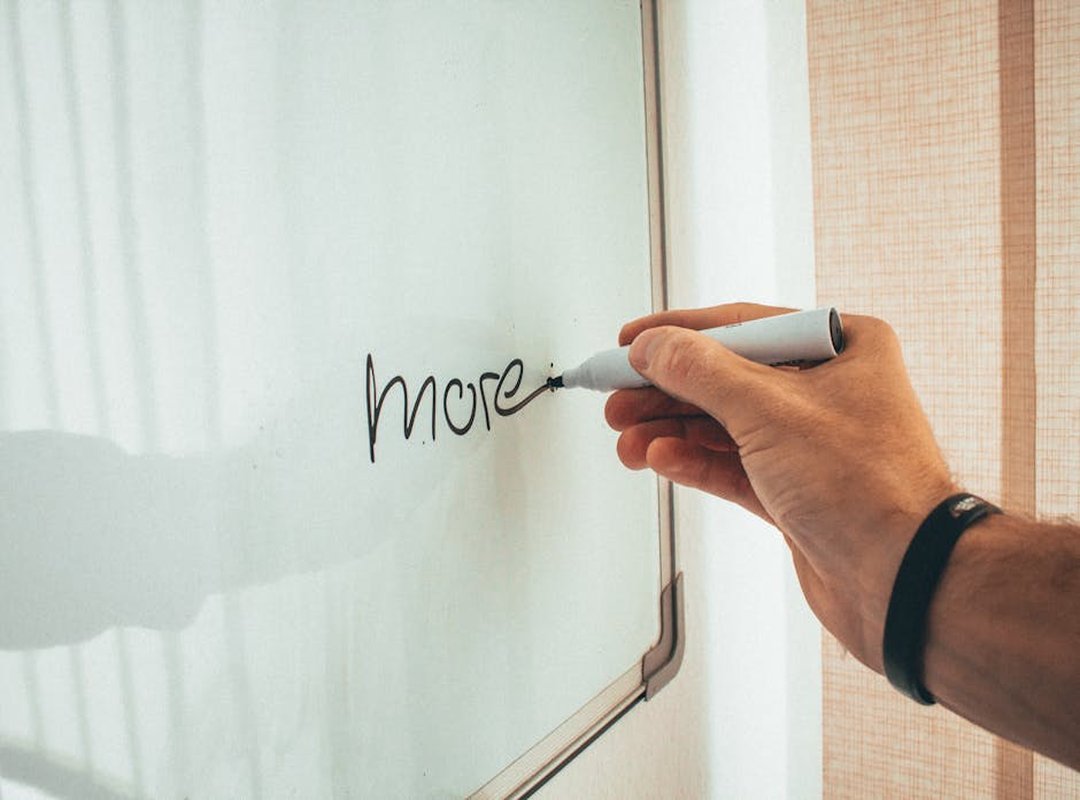
Creating a beautiful wallpaper doesn’t require professional design skills. Anyone can do it with the right tools.
Canva is a top choice. It has an extensive library of free templates, fonts, and elements. Perfect for beginners, Canva makes it easy to create something that looks professional.
Adobe Express is another great option. It offers polished templates and an easy-to-use interface. You can create professional-looking graphics quickly, even if you’re not a design expert.
Pinterest serves a dual purpose. It’s an inspiration engine and a source for high-quality, pre-made wallpapers. You can download them directly and use them as your phone background.
Here’s a simple 5-step mini-tutorial for creating a wallpaper in Canva:
- Open Canva and search for “wallpaper.”
- Select a template that fits your style.
- Customize the template with your own text, colors, and elements.
- Adjust the size to match your phone’s screen resolution.
- Download the final image and set it as your wallpaper.
Pro tip: Search for your specific phone model’s screen resolution to ensure the wallpaper fits perfectly without being cropped.
Using these tools, you can create a wallpaper pengingat diri aesthetic or any other style you like. No need to be a design guru. Just pick a tool, get creative, and enjoy your new, personalized wallpaper.
Your Daily Dose of Digital Encouragement
Your device’s screen is a powerful, underutilized tool for personal motivation. It can serve as a constant reminder of your goals and aspirations. The most effective wallpaper pengingat diri aesthetic combines a visual style you love with a personal message you need to hear.
This blend not only makes your device more visually appealing but also keeps you inspired throughout the day.
Using free tools, you can easily create a custom source of daily inspiration. It’s a simple yet impactful way to stay motivated. Challenge yourself to take five minutes after reading this to create your first wallpaper.
Notice the positive shift it brings to your mindset and daily routine.
